
Tutorial: Character Editing Cavats; Step 1.
Use UE Viewer to Extract Miriam's Body Model
Open UE Viewer (umodel_64.exe) and open Miriam's body model at “BloodstainedRotN → Content → Core → Character → P0000 → Mesh”. The package name is “SK_P1000”.
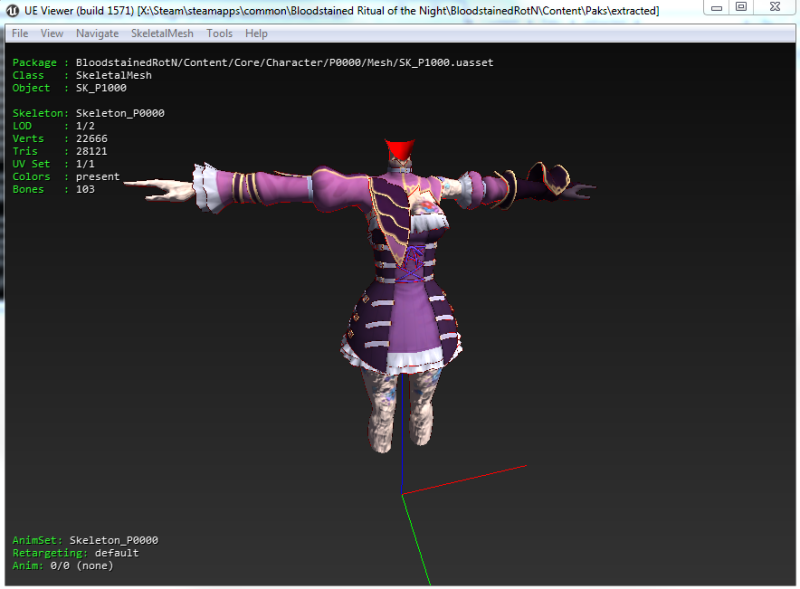
Export the model to a new folder where you want to edit it.


In my case, the exported .psk file that I'll be editing is located at X:\BloodstainedMods\CharacterEditing\ModelEdits\Core\Character\P0000\Mesh\SK_P10000.psk.