This is an old revision of the document!
Tutorial: Character Editing Cavats; Step 4.
Package and Test
Follow the same process from the introductory tutorial to package the Unreal project's cooked assets.
In this case, your “FinalPackaging” folder structure will look like this:
FinalPackaging
  BloodstainedRotN
    Content
      Core
        Character
          P0000
            Mesh
              SK_P10000.uasset
It should not contain any of the .uasset files that contain the materials, physics asset, or skeleton. Remove those.
Drag & Drop the “FinalPackaging” folder on top of “UnreakPak-Without-Compression.bat” to generate the .pak file. Rename it so it loads alphabetically after “packmod”. I named it “~MiriamBodyMod.pak”.
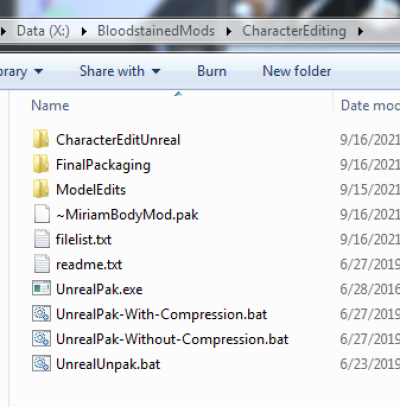
Copy your generated .pak file into the Bloodstained Ritual of the Night\BloodstainedRotN\Content\Paks folder. Run the game to test.
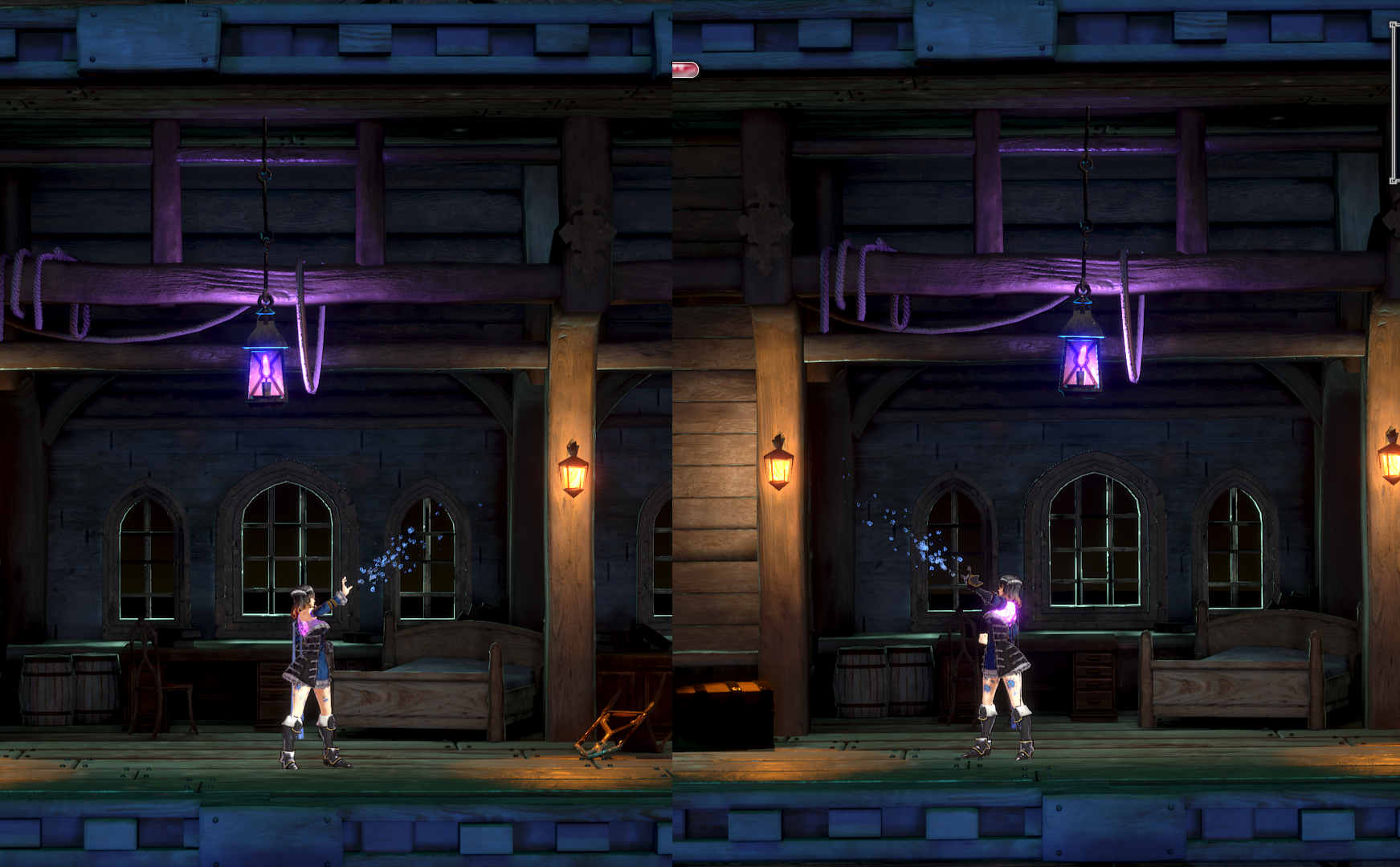
If you face Miriam left or right while aiming a Directional Shard, she should use the arm closest to the camera (like the original game). If this is broken, you did not follow the step to generate the mirror table properly.
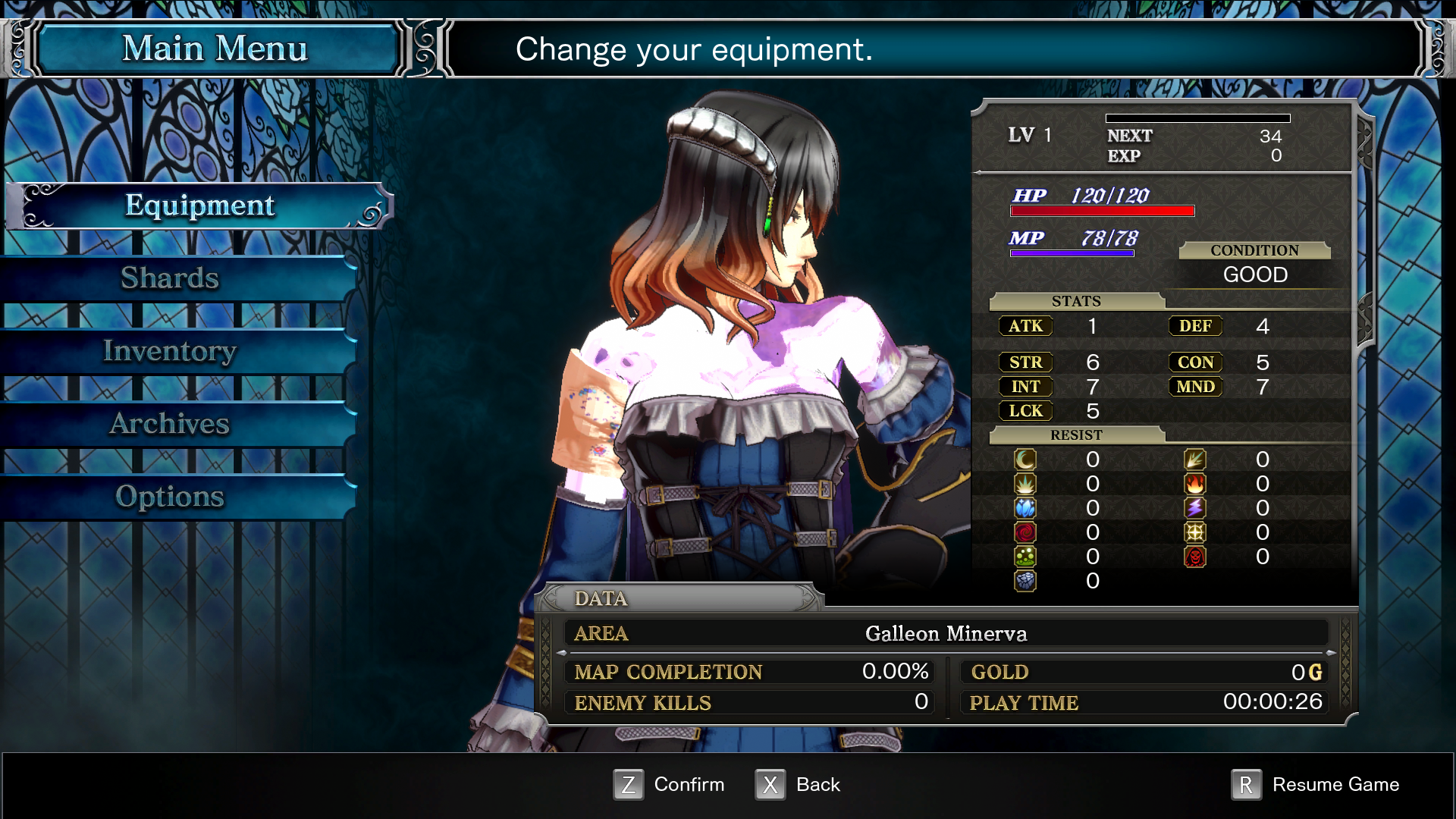
If you open the menu screen, the 3 changes I made:
- Her shoulder armor is gone.
- The skin material on her chest/shoulders was changed to the shiny purple flower material.
- The cylinder is attached to her arm (not floating in the air), which means the weight paint transfer was successful. It has the skin material by default because I did not set a material on the cylinder.