
This is an old revision of the document!
Tutorial: Modifying a 3D Model's Geometry; Step 6.
Create a New .pak File From the Newly Packaged .uasset Files
I'm going to create a new folder next to my MiriamHeadUnreal (Unreal Engine Project) folder, and my ModelEdits (UE Viewer export) folder called “FinalPackaging”. This is where I'll set up the file structure to generate the new .pak file that will serve as the final file that is distributed to everyone as the mod.
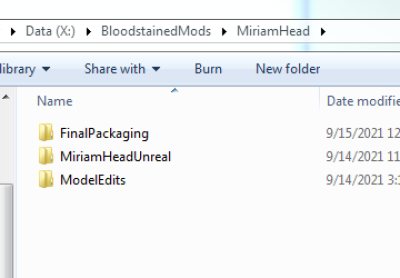
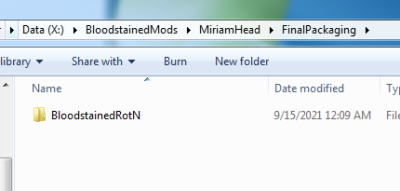
Inside of this “FinalPackaging” folder, create a folder called “BloodstainedRotN”. Then open it.
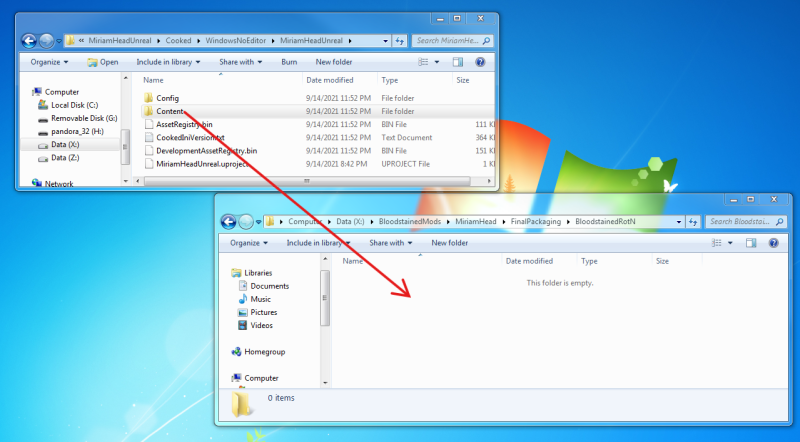
Now in a separate Windows Explorer window, locate the “Cooked” folder you created in the previous step. Navigate to:
“Cooked → WindowsNoEditor → NAME OF UNREAL ENGINE PROJECT FOLDER”.
In my case, I named the Unreal Engine project folder “MiriamHeadUnreal”, so my path is:
“Cooked → WindowsNoEditor → MiriamHeadUnreal”
Copy the “Content” folder into the “BloodstainedRotN” folder (inside “FinalPackaging”).
Now, inside the copy of the content folder, delete all .uasset files except for the .uasset file that contains our modified 3D model. We only needed to set up the skeleton, physics, and materials so the engine can reference them; those .uasset files should not go into the final package as they are not set up properly to override the originals.
I'll repeat: delete all .uasset files containing materials, skeleton, or physics asset.
In this case, you'll only be left with the SK_PI01_MiriamHead.uasset file which is inside of the “FinalPackaging\BloodstainedRotN\Content\Core\Character\P0000\Mesh” directory.