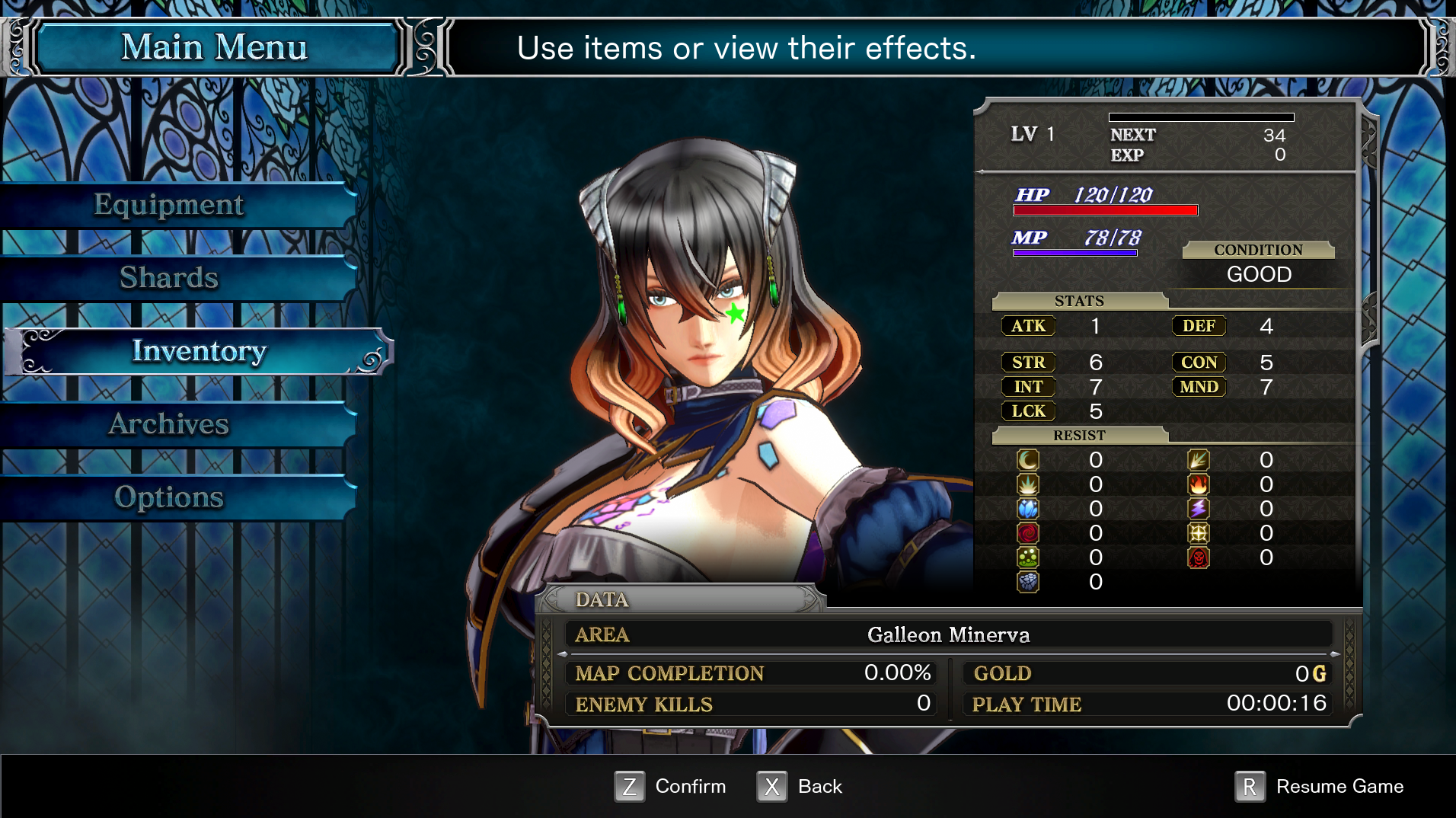
Tutorial: Modifying a 3D Model's Texture
If you've already created a Bloodstained mod before, download any tools you don't have below then jump to step 3.
Required Modding Tools
Before you start, you'll need to download the following tools:
You will also need to decide which 3D modelling software you'll use to preview the texture while you edit it. This is technically an optional step, but it helps a lot if you can see what you're doing.
If you've never used 3D modelling software before, I recommend learning with Blender as it's free. But you can use any 3D modelling software that has the ability to import .psk models, including:
- Blender with the PSK/PSA Importer Addon Installed
Steps
Final Result
You'll doodle on Miriam's face. I drew a green star.